In professional audio and video installations, cable management is about more than a clean-looking rack. Running AC power cables alongside sensitive audio and video signal cables can introduce electromagnetic interference (EMI), potentially creating unwanted hum, buzz, and signal degradation.
A few simple installation practices can make a big difference:
- Separate power and signal paths. Route AC power cables away from audio, video, and data cables whenever possible. For parallel runs, aim for at least 6 inches of separation as a practical starting point, increasing distance when needed.
- Cross at 90 degrees. When AC and signal cables must intersect, cross them at right angles to minimize potential interference.
- Avoid long parallel runs. The longer signal and AC cables run closely together, the greater the opportunity for unwanted coupling.
- Use quality balanced connections. Properly installed balanced audio cables, such as XLR, provide improved resistance to common-mode interference.
- Organize your equipment rack. Use dedicated cable pathways, appropriate cable management, and clear labeling to keep installations serviceable and reliable.
These principles align with established professional audio cabling guidance.
Where Furman Fits In
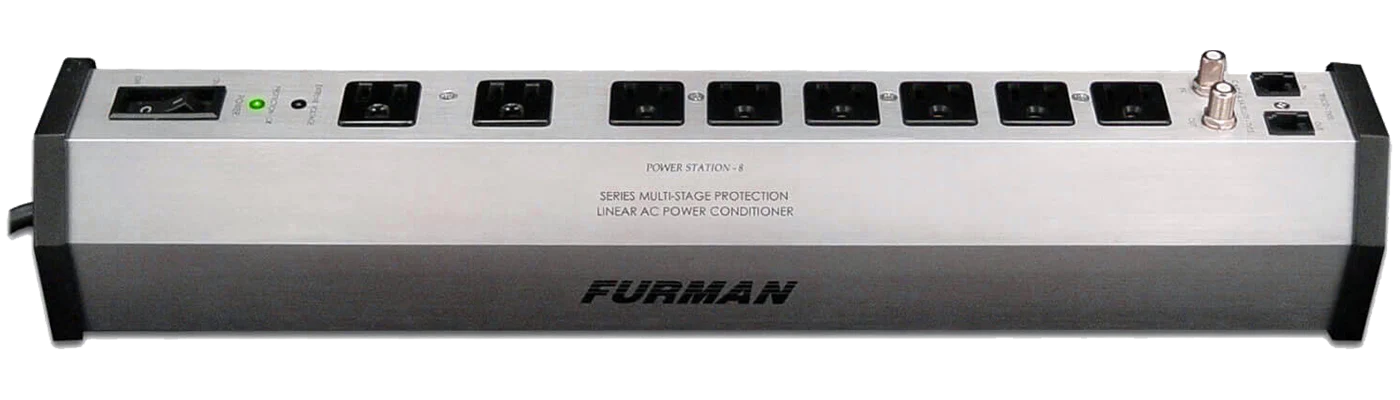
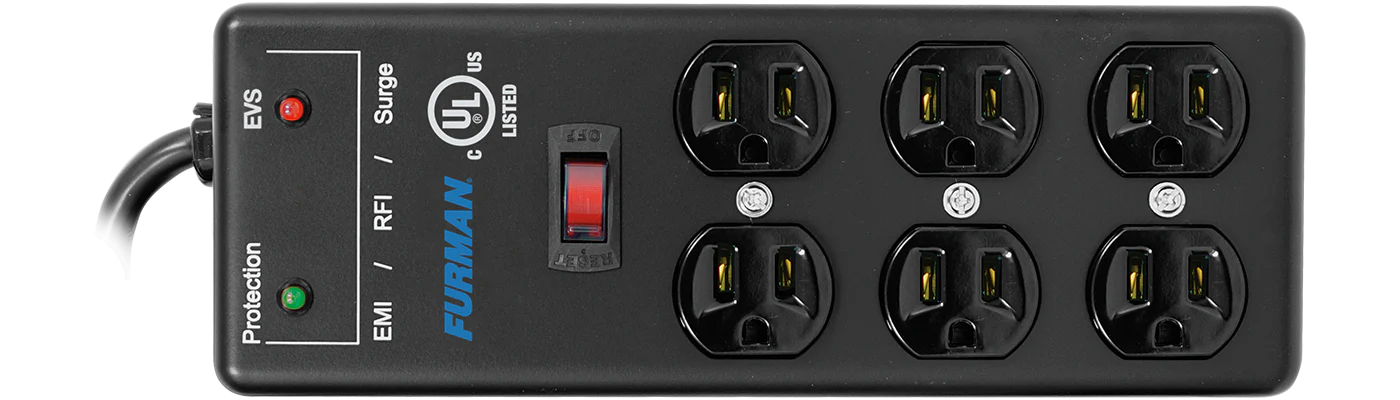
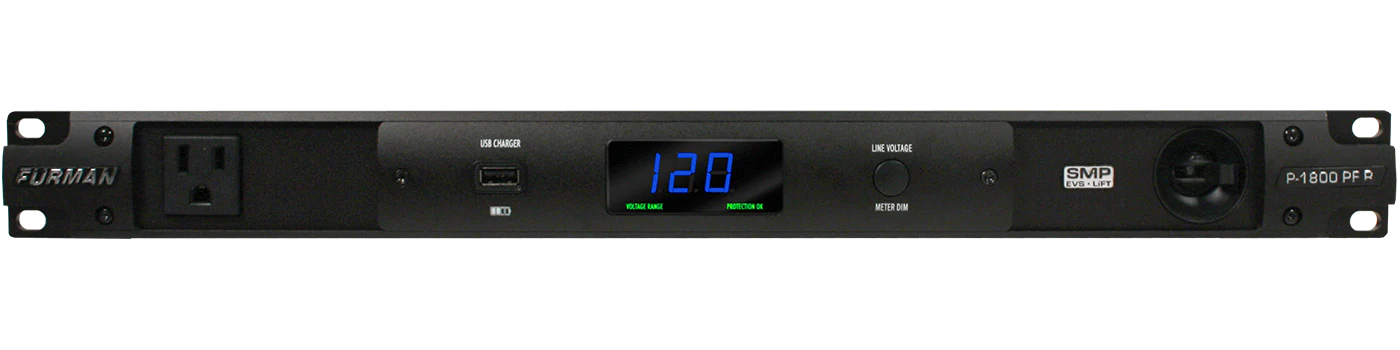
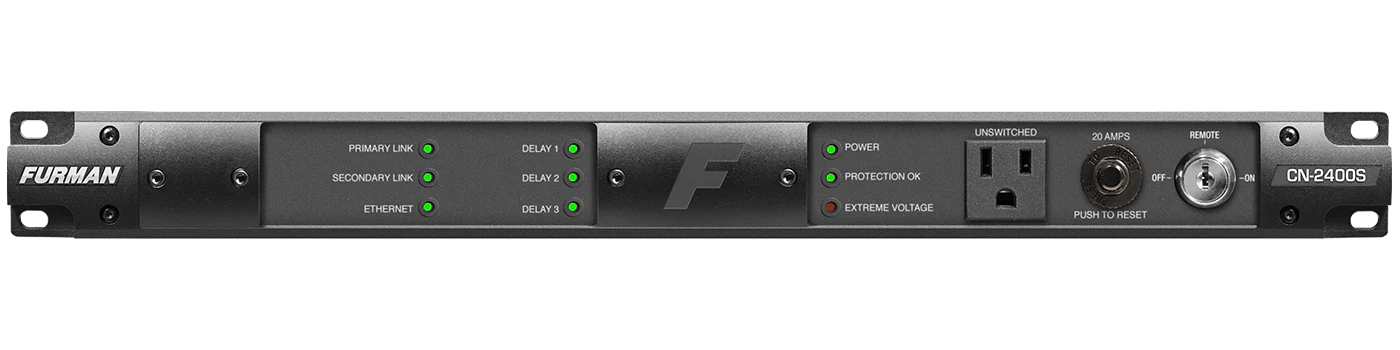
Proper cable routing helps minimize external interference, while Furman's AC noise filtration technologies address unwanted noise conducted through the incoming power line.
Together, thoughtful system design and Furman power conditioning provide complementary approaches to protecting professional AV system performance.
Furman Pro Tip: Clean power starts with good installation practices. Keep AC and signal cables separated and let Furman help manage the power behind the performance.